こんにちは。
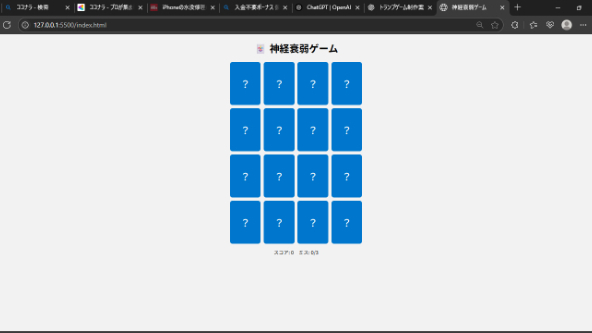
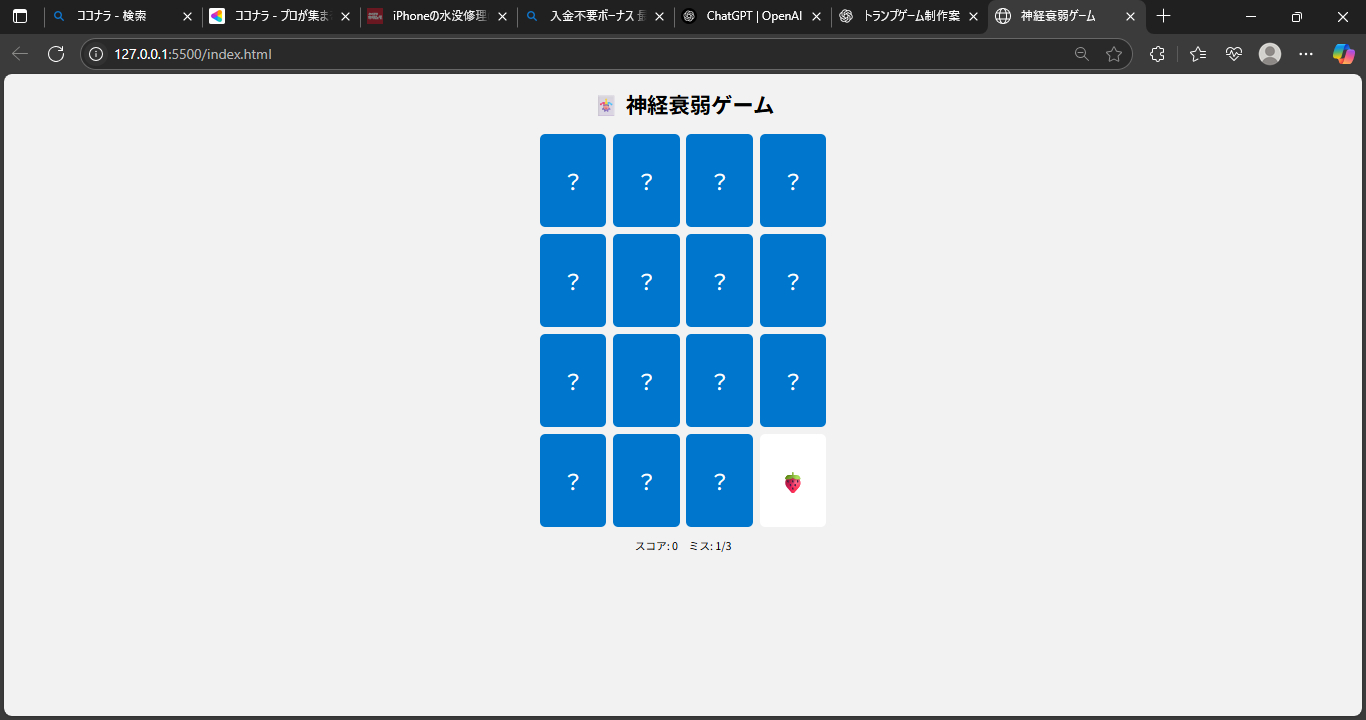
今回は HTML / CSS / JavaScript を使って、初心者にも取り組みやすい **神経衰弱ゲーム(メモリーゲーム)** を実装してみました!
「JavaScriptの練習をしたいけど、何を作ればいいかわからない…」
「DOM操作やイベント処理を学びたい!」
そんな方にピッタリの内容です。
しかも、**スコア機能付き・3回ミスでゲームオーバー・再スタートも可能!**
ちょっとしたゲームでも、しっかりJavaScriptの基礎が詰まっています。
🔧 機能一覧(今回の実装)
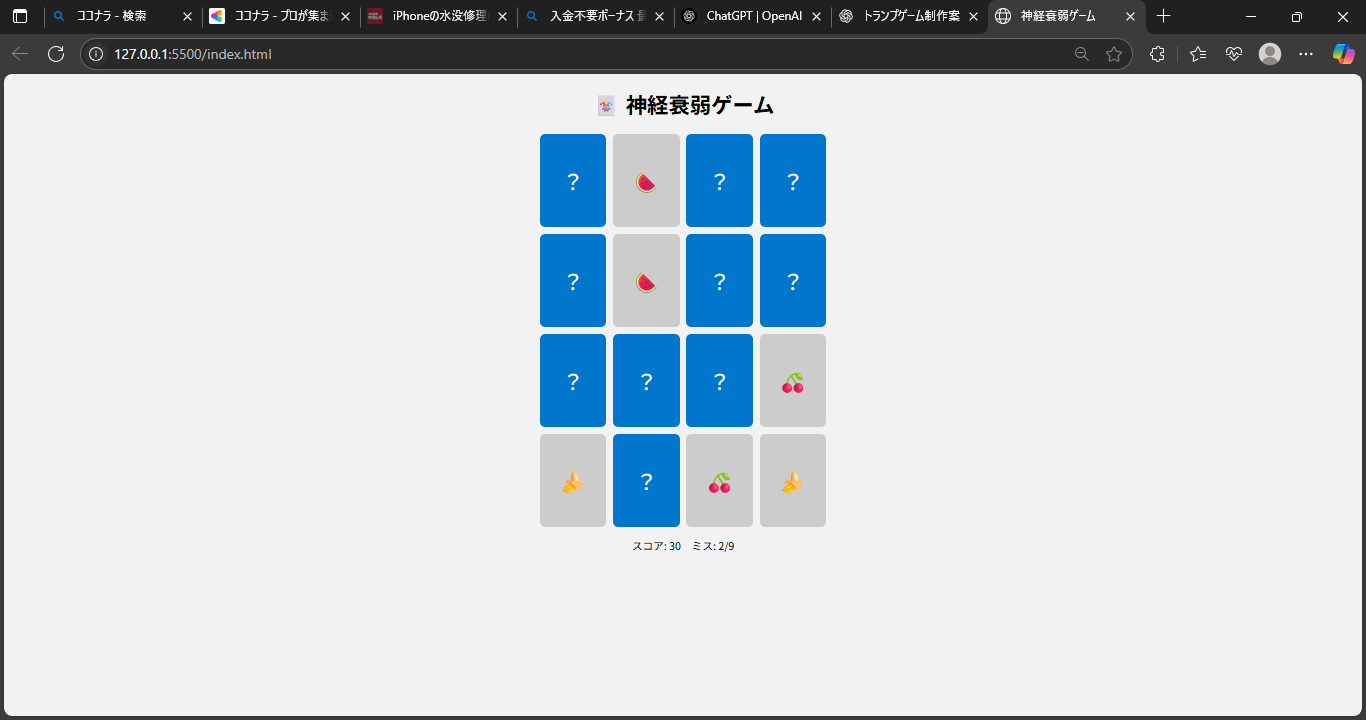
- 同じ絵文字をペアでそろえる「神経衰弱」ルール
- 2枚めくって一致 → スコア+10
- 3回間違えるとゲームオーバー
- ペアをすべてそろえるとクリアメッセージ
- 自動的にゲームをリスタート
コード解説
HTML:ゲームの土台
<!DOCTYPE html>
<html lang="ja">
<head>
<meta charset="UTF-8">
<title>神経衰弱ゲーム</title>
<link rel="stylesheet" href="style.css">
</head>
<body>
<h1>🃏 神経衰弱ゲーム</h1>
<div id="game-board"></div>
<p id="message"></p>
<script src="script.js"></script>
</body>
</html>
ゲームのボードの基盤とミスやクリアのメッセージテキストを作ります。
🎨 CSS:カードの見た目と配置
css
body {
font-family: sans-serif;
text-align: center;
background-color: #f2f2f2;
}
#game-board {
display: grid;
grid-template-columns: repeat(4, 100px);
gap: 10px;
justify-content: center;
margin-top: 20px;
}
.card {
width: 100px;
height: 140px;
background-color: #0077cc;
color: white;
font-size: 2rem;
display: flex;
justify-content: center;
align-items: center;
cursor: pointer;
border-radius: 8px;
user-select: none;
position: relative;
perspective: 1000px;
transition: transform 0.3s;
}
.card.flipped {
background-color: #fff;
color: #000;
cursor: default;
pointer-events: none;
}
.card.matched {
background-color: #ccc;
color: #555;
pointer-events: none;
}
#board {
display: grid;
grid-template-columns: repeat(4, 100px);
gap: 10px;
justify-content: center;
}
.card {
width: 100px;
height: 100px;
background-color: white;
display: flex;
justify-content: center;
align-items: center;
font-size: 40px;
cursor: pointer;
border: 2px solid #ccc;
user-select: none;
}
display: grid でカードを4列に整列し、.card クラスでは中央に絵文字を表示できるようにしています。
⚙️ JavaScript:ゲームロジックの全体像
const board = document.getElementById('game-board');
const message = document.getElementById('message');
const symbols = ['🍎','🍌','🍇','🍉','🍓','🥝','🍒','🍍'];
let cards = [];
let firstCard = null;
let secondCard = null;
let lock = false;
let matchedCount = 0;
let score = 0;
let mistakes = 0;
function initGame() {
board.innerHTML = '';
message.textContent = '';
cards = [...symbols, ...symbols];
shuffle(cards);
matchedCount = 0;
score = 0;
mistakes = 0;
updateMessage();
cards.forEach(symbol => {
const card = document.createElement('div');
card.className = 'card';
card.dataset.symbol = symbol;
card.textContent = '?';
board.appendChild(card);
card.addEventListener('click', () => {
if (lock || card.classList.contains('flipped') || card.classList.contains('matched')) return;
card.classList.add('flipped');
card.textContent = symbol;
if (!firstCard) {
firstCard = card;
} else {
secondCard = card;
lock = true;
if (firstCard.dataset.symbol === secondCard.dataset.symbol) {
firstCard.classList.add('matched');
secondCard.classList.add('matched');
matchedCount += 2;
score += 10;
resetTurn();
if (matchedCount === cards.length) {
message.textContent = `🎉 クリア!スコア: ${score}`;
} else {
updateMessage();
}
} else {
mistakes++;
setTimeout(() => {
firstCard.classList.remove('flipped');
secondCard.classList.remove('flipped');
firstCard.textContent = '?';
secondCard.textContent = '?';
if (mistakes >= 3) {
message.textContent = `❌ ゲームオーバー!スコア: ${score}`;
setTimeout(initGame, 2000);
} else {
updateMessage();
}
resetTurn();
}, 1000);
}
}
});
});
}
function resetTurn() {
[firstCard, secondCard] = [null, null];
lock = false;
}
function shuffle(array) {
for (let i = array.length - 1; i > 0; i--) {
const j = Math.floor(Math.random() * (i + 1));
[array[i], array[j]] = [array[j], array[i]];
}
}
function updateMessage() {
message.textContent = `スコア: ${score} ミス: ${mistakes}/9`;
}
initGame();
// シャッフル関数
function shuffle(array) {
...
}
// 初期化
function initGame() {
...
}
// カードクリック処理
card.addEventListener("click", () => {
...
});
// ゲームスタート
startGame();
JavaScriptでは、カードの生成、クリックイベント、スコア・ミスの管理、シャッフルなどを実装しています。
初心者がつまずきやすい「イベント処理」「状態の管理(ロックやスコア)」なども含まれています。
💡 学びポイント・応用アイデア
### このゲームから学べること
- DOM操作の基礎(`createElement`, `appendChild` など)
- イベントリスナーの使い方
- 状態管理の考え方(ロック・ミス・スコア)
- シャッフルアルゴリズムの実装
- ゲームの初期化とリセットの設計
### 応用するなら…
- 絵文字ではなく画像でトランプにする
- 難易度選択(4x4 → 6x6 に拡張)
- ハイスコアランキングやタイマー機能を追加
📌 まとめ
簡単なゲームでも、実際に手を動かすと「意外とロジックが複雑!」と感じるかもしれません。
でも、その分だけJavaScriptの力が身につく実践です。
コーディングに慣れてきた方にも、DOMの扱いのトレーニングとして非常におすすめです。
このブログが、あなたの学習や制作のヒントになれば嬉しいです!