Option Explicit
Option Base 0
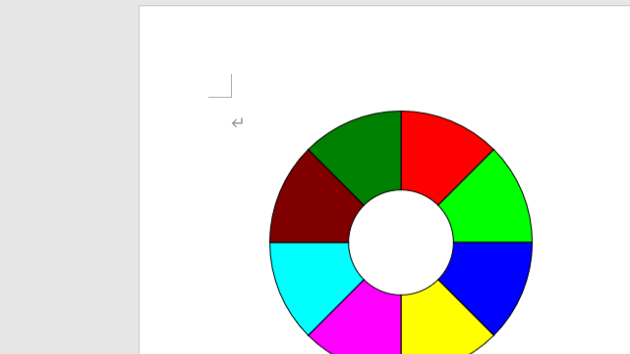
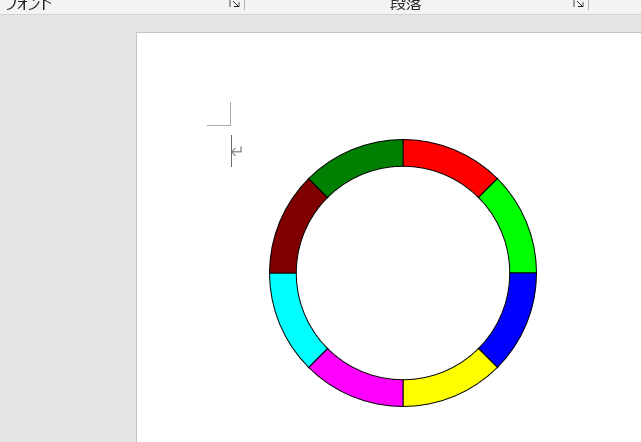
Public Sub ドーナッツ形描画マクロ()
Const CIRCXPOS = 200 '円の中心位置 X
Const CIRCYPOS = 180 ' Y
Const CIRCRADI = 100 '円の半径
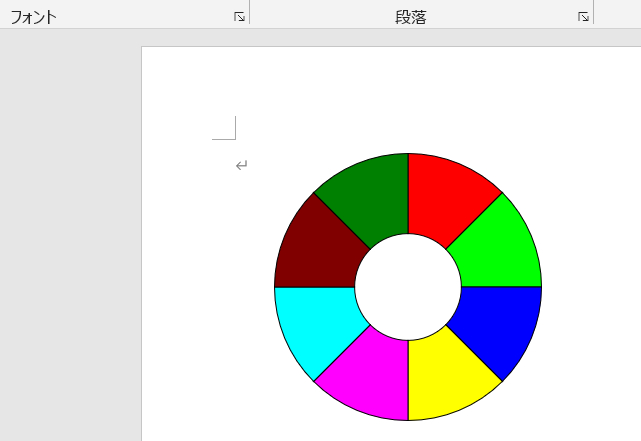
Const CIRCDIVI = 8 '分割数
Const DONARADI = 0.3 '外円と内円の比率(0<比率<0.5)
'---------------------------------------------------------------------------
Dim Ip As Integer, intAng As Integer, varColor As Variant
'
'カラーデータ//////////////////////////////////////////////////////////////
varColor = Array(0, 16777215, 255, 65280, 16711680, 65535, _
16711935, 16776960, 128, 32768, 8388608, 32896, 8388736, _
8421376, 12632256, 8421504, 16751001, 6697881, 13434879, _
16777164, 6684774, 8421631, 13395456, 16764108, 8388608, _
16711935, 65535, 16776960, 8388736, 128, 8421376, 16711680, _
16763904, 6777164, 13434828, 10092543, 16764057, 13408767, _
16751052, 10079487, 16737843, 13421619, 52377, 52479, 39423, _
26367, 10053222, 9868950, 6697728, 6723891, 13056, 13107, _
13209, 6697881, 10040115, 3355443)
'
intAng = 360 \ CIRCDIVI
For Ip = 0 To CIRCDIVI - 1
With ActiveDocument.Shapes.AddShape(msoShapeBlockArc, _
CIRCXPOS - CIRCRADI, CIRCYPOS - CIRCRADI, _
CIRCRADI * 2, CIRCRADI * 2)
.Fill.ForeColor.RGB = varColor((Ip Mod 56) + 2)
.Fill.Visible = True '←塗りつぶし有無
'
.Line.Visible = True
.Line.ForeColor.RGB = RGB(0, 0, 0) '←線色
.Adjustments(1) = -90 + intAng * Ip '←描角度
.Adjustments(2) = -90 + intAng * Ip + intAng
.Adjustments(3) = DONARADI ' 内外比率
End With
Next Ip
End Sub
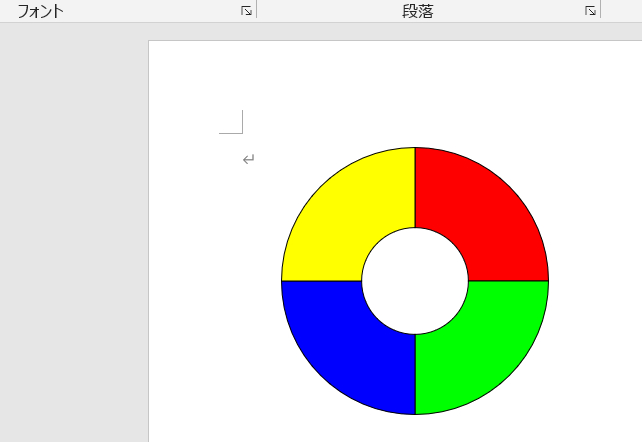
Const CIRCDIVI = 4 '分割数
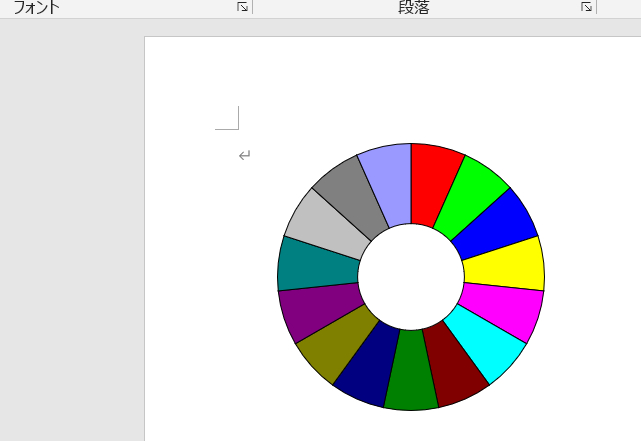
Const CIRCDIVI = 15 '分割数
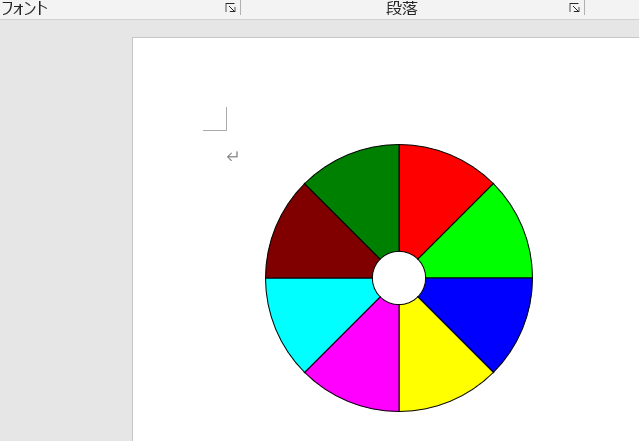
Const DONARADI = 0.1 '外円と内円の比率(0<比率<0.5)
Const DONARADI = 0.4 '外円と内円の比率(0<比率<0.5)
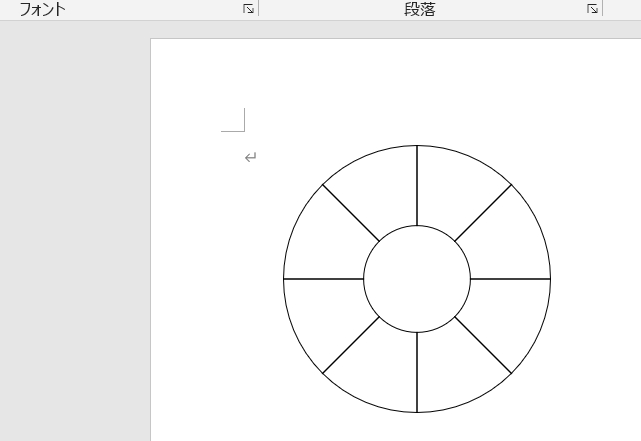
.Fill.Visible = False '←塗りつぶし有無
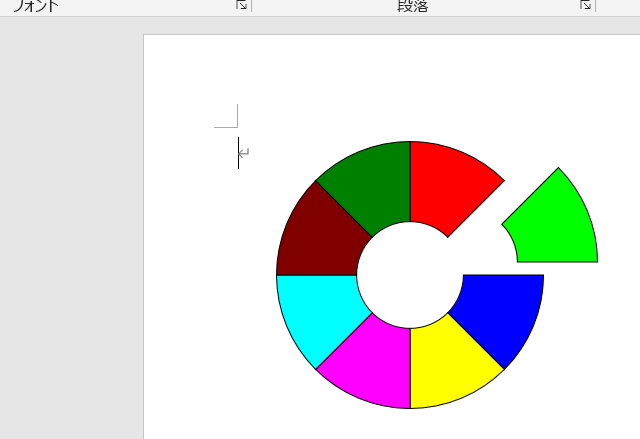
グループ化していないので、手動で、分解可能!(円扇形描画マクロも同様)