こんにちは!
今回は、HTML・CSS・JavaScriptだけで作れる
「ファンタジーRPG風のHeroセクション」を紹介します。
ゲーム会社のランディングページ(LP)にも使えるような、
透明感のある背景+パーティクルアニメーションで、
まるで物語の世界に入るようなデザインを目指しました。
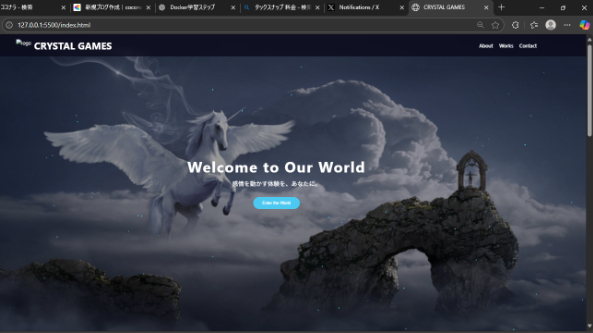
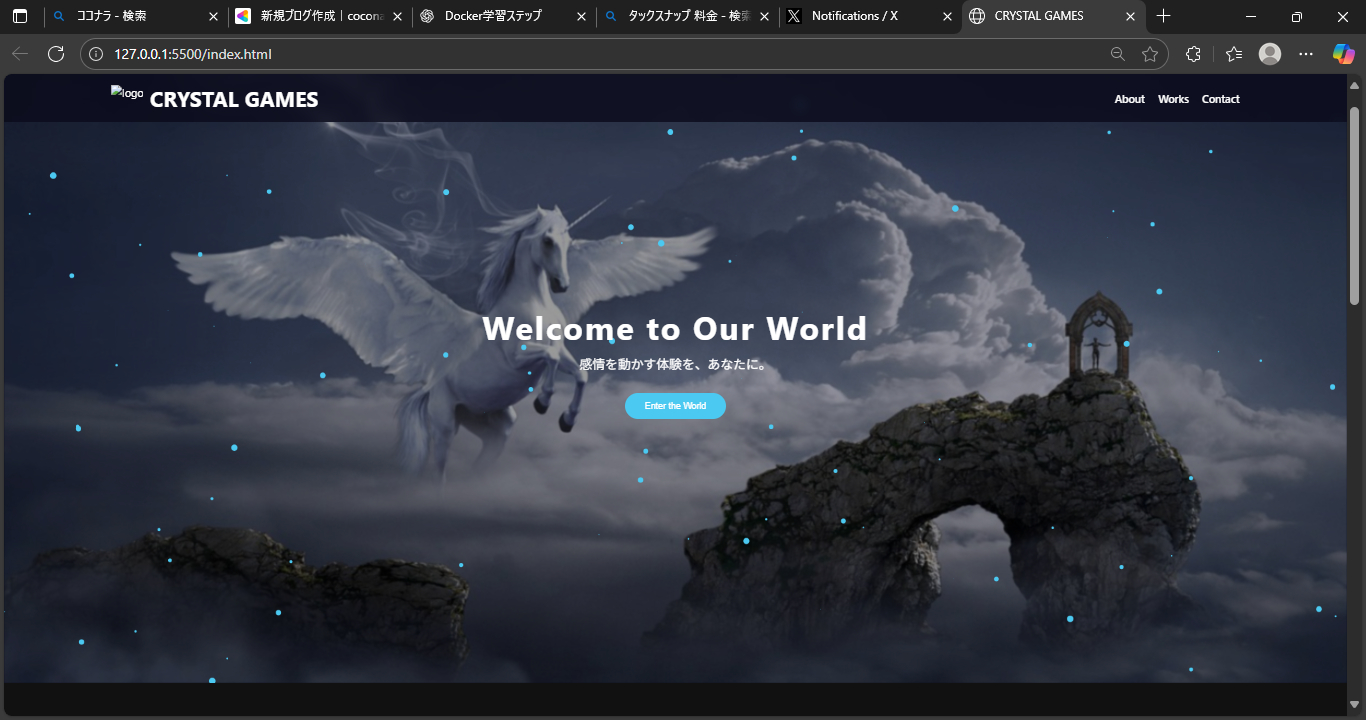
🌌 完成イメージ
💫 背景に幻想的な画像が透けて見え、
光の粒(パーティクル)がゆっくりと流れ、
中央にはゲームタイトルのようなテキストが配置されます。
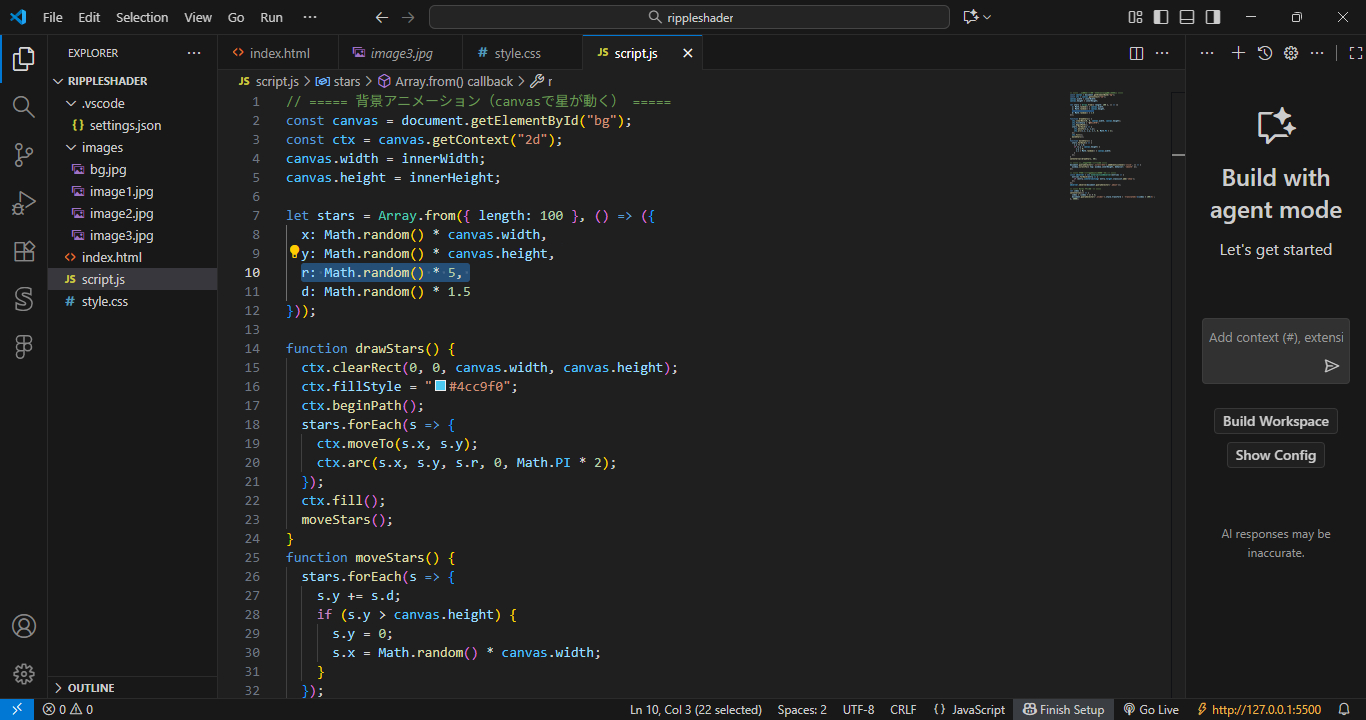
*画像ではmath.randomを大きくして星の大きさや降る速度も変えています。
🧱 実装に使ったファイル
index.html
style.css
script.js
フレームワークなしでOK。ブラウザだけで動作します。
💻 コード全体
index.html
<section class="hero">
<div class="hero-bg"></div>
<canvas id="bg"></canvas>
<div class="hero-content">
<h2 class="hero-title">Welcome to Our World</h2>
<p class="hero-sub">感情を動かす体験を、あなたに。</p>
<button class="scroll-btn">Enter the World</button>
</div>
</section>
style.css
body, html {
margin: 0;
padding: 0;
overflow: hidden;
font-family: "Cinzel", serif;
color: #fff;
}
.hero {
position: relative;
height: 100vh;
display: flex;
align-items: center;
justify-content: center;
overflow: hidden;
}
.hero-bg {
position: absolute;
inset: 0;
background: url("images/fantasy-bg.jpg") center/cover no-repeat;
filter: brightness(0.6) blur(1px);
z-index: -3;
}
.hero::before {
content: "";
position: absolute;
inset: 0;
background: rgba(40, 60, 100, 0.35);
mix-blend-mode: overlay;
z-index: -2;
}
#bg {
position: absolute;
width: 100%;
height: 100%;
z-index: -1;
pointer-events: none;
}
.hero-content {
text-align: center;
z-index: 1;
}
.hero-title {
font-size: 3rem;
letter-spacing: 2px;
}
.hero-sub {
font-size: 1.2rem;
margin: 10px 0 30px;
opacity: 0.9;
}
.scroll-btn {
padding: 12px 30px;
background: rgba(255,255,255,0.15);
border: 1px solid rgba(255,255,255,0.4);
border-radius: 8px;
color: #fff;
cursor: pointer;
transition: background 0.3s ease;
}
.scroll-btn:hover {
background: rgba(255,255,255,0.3);
}
script.js
const canvas = document.getElementById("bg");
const ctx = canvas.getContext("2d");
canvas.width = innerWidth;
canvas.height = innerHeight;
let stars = Array.from({ length: 100 }, () => ({
x: Math.random() * canvas.width,
y: Math.random() * canvas.height,
r: Math.random() * 2,
d: Math.random() * 1.5
}));
function drawStars() {
ctx.clearRect(0, 0, canvas.width, canvas.height);
ctx.fillStyle = "rgba(255, 255, 255, 0.8)";
stars.forEach(s => {
ctx.beginPath();
ctx.arc(s.x, s.y, s.r, 0, Math.PI * 2);
ctx.fill();
});
}
function moveStars() {
stars.forEach(s => {
s.y += s.d;
if (s.y > canvas.height) {
s.y = 0;
s.x = Math.random() * canvas.width;
}
});
}
function animate() {
drawStars();
moveStars();
requestAnimationFrame(animate);
}
animate();
🌟 ポイント解説
要素 内容 効果
.hero-bg 背景画像+ぼかし 奥行きを出す
.hero::before 半透明レイヤー 透明感と幻想的な光を追加
canvas#bg パーティクル 生命感と動きをプラス
.hero-content 中央テキスト RPGのタイトルのように見せる
🧠 学びポイント
mix-blend-mode と filter を組み合わせると、Photoshopっぽい透明感が出せる
canvas の基本(星を描いて動かす)を押さえるだけで、動きのある背景が作れる
z-index のレイヤー管理で、立体感ある演出ができる
🪄 応用アイデア
「Enter the World」ボタンをクリックでスクロール or フェード遷移
RPGの世界紹介セクション(World Map)を下に追加
背景を動画(MP4/WebM)にしても幻想的に
🏁 まとめ
今回のHeroセクションは、
「画像+透明感+パーティクル」という3要素を組み合わせたシンプルな構成。
ほんの少しのJavaScriptとCSSの工夫で、
“静かなファンタジー世界の入口” のような演出ができます。




.png)